7 min read
Why line-height is harder on the web than it looks
Line-height looks simple in design tools, but web rendering, wrapping, unit choices, and font metrics make it one of the most common typography handoff problems.
Design tools hide font metrics
In a design file, line-height often feels like a visible box around text. Set it to 24, and the text sits in a 24px row. The browser is less obliging. What actually renders depends on font metrics, rendering engines, fallback fonts, and how text wraps. Two fonts with the same font-size and line-height can occupy space very differently.
Every font ships with vertical metrics: an ascent, a descent, and often a line gap, all defined by the type designer. Design tools quietly normalize much of this so that text layers feel predictable. Browsers do not. They take the metrics as they come, which is why a swapped font, or even the same font loaded from a different source, can shift your vertical rhythm without a single CSS value changing.
That is why exact pixel values from a design tool do not always feel exact in the browser. The value may be right, while the rendered rhythm still needs adjustment. Understanding what the browser does with your value is the first step to fixing it.
What the browser actually does with your value
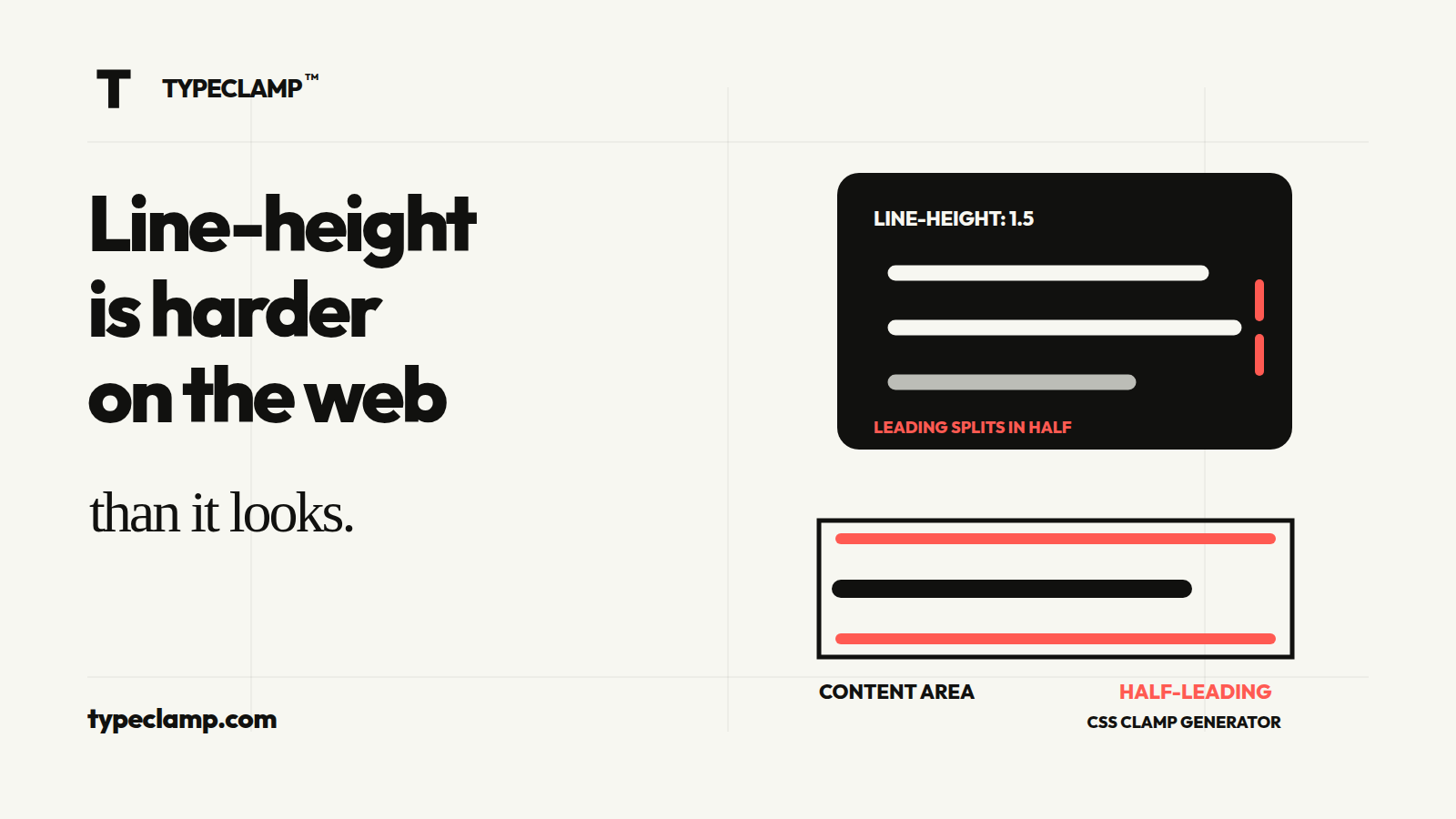
When you set line-height, the browser first measures the font’s content area, which comes from ascent plus descent. If your line-height is larger than that, the difference is called leading, and the browser splits it in half: one half above the text, one half below. This half-leading model is the core reason web text never quite matches the neat boxes in a design file.
It also explains two familiar surprises. First, text in a container never looks vertically centered by eye, because ascent and descent are rarely symmetrical. Second, the space above a heading and below it are not equal contributions from the heading itself, so spacing tokens measured in Figma do not translate one-to-one into margins.
The default value, line-height: normal, makes this worse. It is not a fixed number; it is derived from the font’s own metrics and typically lands anywhere between 1.1 and 1.4 depending on the typeface. Two fallback fonts in the same font stack can produce visibly different line boxes with identical CSS. If a style matters, give it an explicit line-height and stop depending on normal.
/* Same CSS, different rendered height */
.a { font-family: "Inter", sans-serif; font-size: 16px; line-height: normal; }
.b { font-family: Georgia, serif;      font-size: 16px; line-height: normal; }

/* Explicit value: predictable across the stack */
.text { font-size: 16px; line-height: 1.5; } /* 24px line box */
Unitless values are usually safer
Line-height accepts pixels, percentages, em values, and plain numbers, and they are not interchangeable. The difference is inheritance. A percentage or em value is computed against the current font-size first, and the computed pixel result is what child elements inherit. A unitless number is inherited as a factor and recalculated against each element’s own font-size.
That distinction is the source of one of the most common line-height bugs on the web: a component sets line-height: 150% on a wrapper, a heading inside inherits the already-computed 24px, and suddenly a 24px heading renders with a 24px line box. The text looks clipped, lines of a wrapped heading overlap, and nobody can see why, because the CSS looks reasonable.
For body text and reusable components, unitless line-height is more resilient because it scales with font-size wherever it is inherited. A line-height of 1.45 keeps a useful relationship when text size changes, while a fixed pixel value can become too tight or too loose. Pixel line-height still has a job, but it is a narrower one: carefully controlled display styles where the size never changes and the design needs a precise editorial look.
/* Inherited as a computed value: fragile */
.card { font-size: 16px; line-height: 150%; } /* computes to 24px */
.card h3 { font-size: 24px; }                 /* inherits 24px: too tight */

/* Inherited as a factor: scales */
.card { font-size: 16px; line-height: 1.5; }
.card h3 { font-size: 24px; }                 /* resolves to 36px */
Responsive headings need separate attention
A single line-height value fails most often on large, responsive headings. Body text at 16px reads well around 1.5. Apply the same 1.5 to a 64px display headline and the lines drift apart; the headline stops reading as one shape. Large type needs tighter leading, usually somewhere between 1.05 and 1.2, while mid-level headings sit comfortably around 1.2 to 1.3.
Responsive font sizes raise the stakes. If a heading’s size is fluid, its line-height has to hold up across the whole range, not just at the design viewport. This is one more reason unitless values win: a factor of 1.1 stays proportionally tight whether the fluid size currently resolves to 40px or 84px. How those fluid sizes are built is covered in responsive typography with CSS clamp.
Wrapping is the other half of the problem. A two-word headline that sits on one desktop line can become four lines on a phone, and tight desktop leading that looked elegant suddenly makes stacked lines collide with diacritics and descenders. The practical fix is to preview headings at multiple widths with real, awkward content, not just to copy a Figma number measured on a single-line headline.
- Body text: around 1.4 to 1.6, unitless.
- Headings: around 1.2 to 1.3, tighter as size grows.
- Display and hero type: around 1.05 to 1.2, checked against wrapping on mobile.
- Never rely on one inherited value to cover all three roles.
:root {
  --leading-display: 1.1;
  --leading-heading: 1.25;
  --leading-body: 1.5;
}

.hero-title {
  font-size: clamp(2.75rem, 1.663rem + 4.638vw, 5.875rem);
  line-height: var(--leading-display);
}

.section-title {
  font-size: clamp(2rem, 1.478rem + 2.226vw, 3.5rem);
  line-height: var(--leading-heading);
}
Trimming the space design tools never showed you
Half-leading has a visible side effect: extra space above the first line and below the last line of every text block. Designers compensate by eye in Figma, developers compensate with magic-number margins in CSS, and the two rarely agree. This is why a card that looks perfectly balanced in the design file renders with slightly-off spacing in the browser.
CSS now has a direct answer. The text-box-trim property cuts the half-leading above the first line and below the last one, so the visible glyphs, not the invisible line box, define the edges of the text block. Support has been arriving in modern browsers, and it degrades gracefully: without support, you simply keep the spacing you already had.
Until you can rely on it everywhere, treat it as a progressive enhancement for the places where optical alignment matters most: cards, buttons with stacked text, and hero sections where the heading needs to sit flush against a spacing token.
.card-title {
  text-box-trim: trim-both;
  text-box-edge: cap alphabetic;
}
A line-height checklist that survives handoff
Line-height problems are rarely about picking the wrong number. They come from trusting defaults, inheriting computed values by accident, and reviewing type only at the design viewport. The fixes are boring and reliable: explicit values, unitless factors, and previews at real widths with real content.
It also pays to make line-height part of your token system rather than a per-component decision. A small set of named leading values, paired with your font-size tokens, keeps designers and developers arguing about three numbers instead of thirty. Naming and structuring those tokens is its own topic, covered in typography tokens for design systems.
Font-size and line-height are one decision, not two. When you generate fluid font-size tokens in the TYPECLAMP generator, decide the leading for each style at the same time, and check the preview at mobile, design, and wide viewports before anything ships. If the sizes come from a Figma file, converting them into clamp tokens first keeps the whole scale, leading included, anchored to the design.
- Set an explicit line-height for every text style; never ship normal.
- Prefer unitless values so inheritance scales instead of breaking.
- Tighten leading as font-size grows: body around 1.5, display closer to 1.1.
- Preview headings wrapped over multiple lines at mobile widths.
- Keep leading values as named tokens next to the font-size scale.