8 min read
Tailwind v4 typography tokens with CSS clamp
How to turn fixed design typography values into responsive Tailwind v4 theme variables with CSS clamp, line-height, and font-weight tokens.
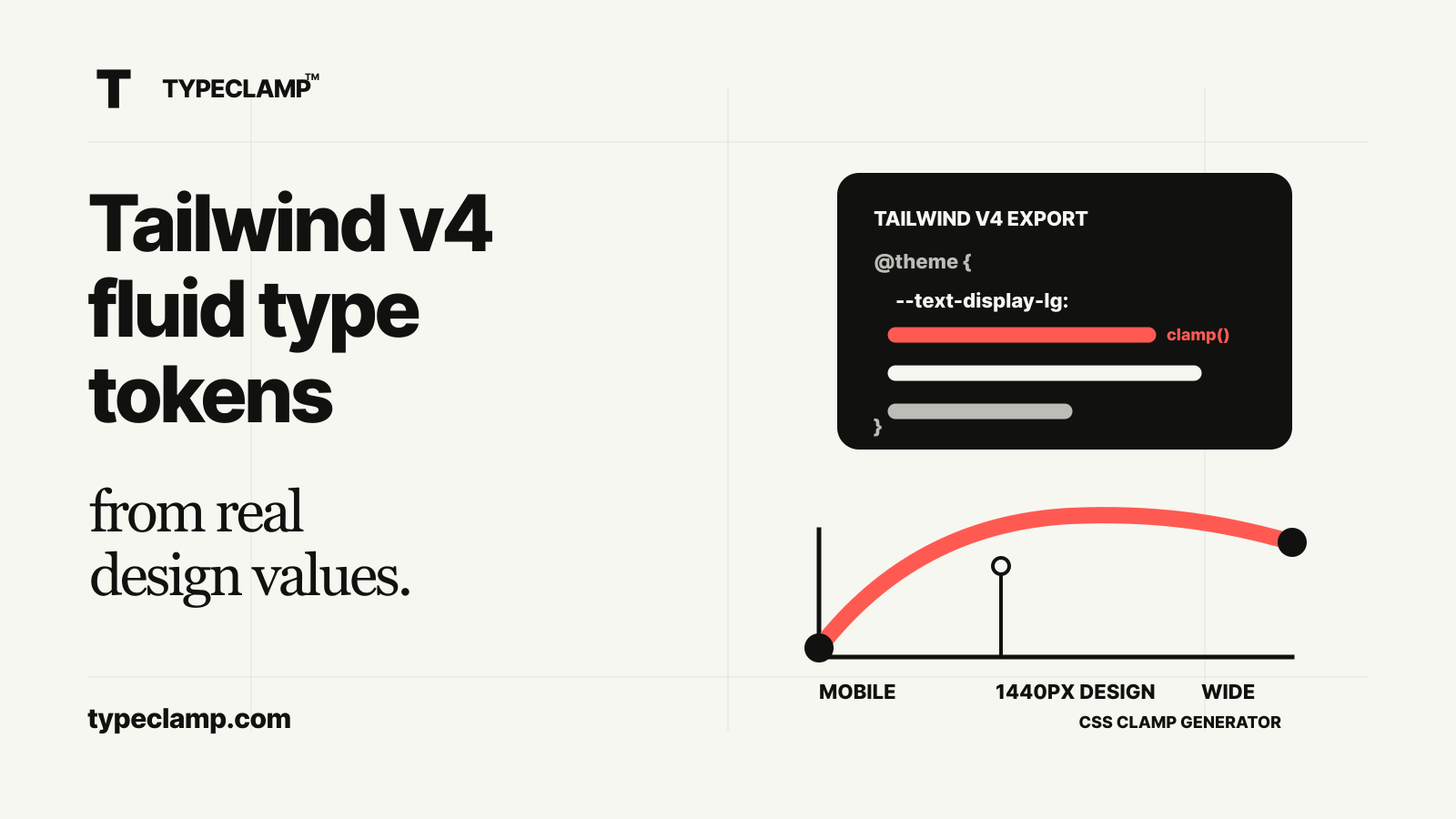
Tailwind still needs typography decisions
Tailwind makes it fast to apply text styles, but it does not decide what your type system should be. A utility like text-6xl is convenient, but it is not automatically connected to your Figma values, your design viewport, your mobile limits, or your wide-screen caps.
That gap matters most when teams move from fixed design files to production. Designers work with concrete values. Developers need responsive behavior. If the Tailwind setup only contains fixed sizes, the implementation still needs manual breakpoint decisions.
A better workflow is to turn design typography into responsive tokens first, then expose those tokens through Tailwind v4 theme variables. That keeps Tailwind useful while preserving the design logic behind the scale.
- Start from the actual design font sizes.
- Preserve the design viewport as the exact anchor.
- Generate min, fluid, and max values with CSS clamp.
- Map the resulting tokens into Tailwind v4.
Use Tailwind v4 theme variables
Tailwind v4 is CSS-first. Instead of configuring every theme value in a JavaScript config file, you can define theme variables directly in CSS with @theme. For typography, that makes responsive tokens easier to keep close to the CSS that actually ships.
A Tailwind text token can include more than the font-size. Tailwind supports related variables for line-height and font-weight, which is useful because typography tokens are rarely just size values. A heading token without line-height is usually incomplete.
The practical target is a set of named values like display-lg, heading-md, body, and label. The names should match how the team talks about the type system, not just the pixel values.
@import "tailwindcss";

@theme {
  --text-display-lg: clamp(2.5rem, 1.544rem + 4.082vw, 5.25rem);
  --text-display-lg--line-height: 1.05;
  --text-display-lg--font-weight: 650;

  --text-body: clamp(1rem, 0.957rem + 0.184vw, 1.125rem);
  --text-body--line-height: 1.5;
  --text-body--font-weight: 400;
}
Keep the design viewport exact
The most important part is not the Tailwind syntax. It is the viewport logic behind the clamp values. If your Figma frame is 1440px wide and display-lg is 72px there, the generated token should resolve to 72px at 1440px.
That is what prevents the Tailwind implementation from drifting away from the design. The token can scale down for mobile and scale up for wide screens, but the approved design value remains the anchor.
The detailed handoff workflow is covered in How to convert Figma font sizes to CSS clamp tokens. The short version is: define mobile, design, and max viewports before you generate the Tailwind variables.
- Mobile viewport protects small screens.
- Design viewport preserves the fixed design value.
- Max viewport stops type from growing forever.
- Preview width is only for inspecting the current result.
Add desktop overrides when the token grows after the design viewport
A responsive type token often has two phases. Below the design viewport, it scales from the mobile minimum up to the design size. Above the design viewport, it may scale from the design size up to a max cap.
That second phase needs an override. The base variable can describe the mobile-to-design range. A media query can replace the variable after the design viewport so wide screens use the design-to-max range.
This keeps the Tailwind class name stable. You still use the same text-display-lg utility, but the variable behind it changes at the design viewport.
@theme {
  --text-display-lg: clamp(2.5rem, 1.544rem + 4.082vw, 4.5rem);
  --text-display-lg--line-height: 0.95;
  --text-display-lg--font-weight: 650;
}

@media (min-width: 1440px) {
  :root {
    --text-display-lg: clamp(4.5rem, 1.5rem + 3.333vw, 5.5rem);
  }
}
Do not hide every decision inside arbitrary values
Tailwind arbitrary values are useful for experiments, but they are not a good long-term type system. A class like text-[clamp(...)] can solve one component, but it does not create a shared token, a naming convention, or a maintainable handoff.
If a value belongs to the design system, promote it into a named theme variable. That makes it reusable across components and easier to audit later.
Arbitrary values are fine for one-off art direction. Tokens are better for repeated styles like display, heading, body, caption, label, nav, and button text.
/* Useful for a one-off experiment */
<h1 className="text-[clamp(2.5rem,1.544rem+4.082vw,5.25rem)]" />

/* Better for a system */
<h1 className="text-display-lg" />
Export from TYPECLAMP
TYPECLAMP can generate the Tailwind v4 output directly from the same scale used for CSS, SCSS, Style Dictionary, Figma variables, and JSON. That matters because the Tailwind export should not be a separate interpretation of the design system.
Start with the TYPECLAMP generator, enter the design values, set the viewport range, then switch the export mode to Tailwind v4. If you want a starting point, browse the Explore presets and open one in the generator.
The output gives you named theme variables, line-height values, font-weight values, and responsive overrides where needed. From there, Tailwind can do what it does best: make those tokens easy to use in markup.
- Use semantic token names before exporting.
- Keep line-height and weight attached to the size token.
- Review mobile and wide-screen behavior before copying.
- Use the same token names in design documentation and code.
A practical Tailwind workflow
The workflow is straightforward. First, copy the relevant font sizes from Figma or your design system. Second, set mobile, design, and max viewports. Third, tune min and max sizes until the system works across real widths. Fourth, export Tailwind v4 variables and paste them into your CSS entry file.
After that, use Tailwind classes like text-display-lg, text-heading-md, and text-body in components. The responsive behavior lives in the token definitions, not in scattered breakpoint utilities.
This is the main benefit: designers can review the scale as a system, developers can use normal Tailwind classes, and the responsive math stays centralized.
@import "tailwindcss";

@theme {
  --text-heading-xl: clamp(2.25rem, 1.38rem + 3.71vw, 4.75rem);
  --text-heading-xl--line-height: 0.98;
  --text-heading-xl--font-weight: 650;

  --text-body-md: clamp(1rem, 0.957rem + 0.184vw, 1.125rem);
  --text-body-md--line-height: 1.55;
  --text-body-md--font-weight: 400;
}

@media (min-width: 1440px) {
  :root {
    --text-heading-xl: clamp(4.75rem, 2.35rem + 2.667vw, 5.75rem);
  }
}